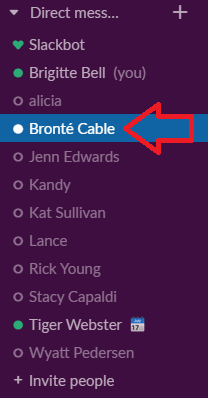

How to change your Slack status

Last updated: Sep 08, 2022
147
views

To change your status:
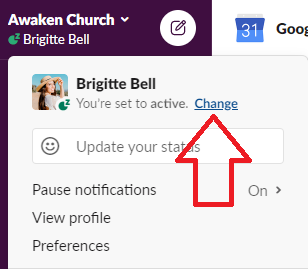
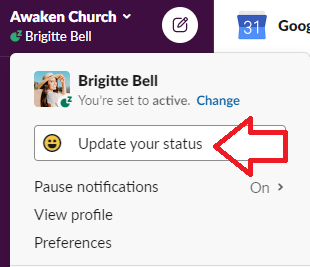
Click on your name under “Awaken Church” on the left hand side bar > Select “Change” to change your status to “Active” or “Away” > For a more detailed away message, select “Update Your Status” and select “out sick,” “on vacation,” or enter your own status. Note: To help your colleagues know when they can reach you, be sure to enter the date/ time you plan on returning to your office.


Message Features: